On-Prem MCP Server | Qonnect AI – For Qlik Sense and Qlik Cloud
Stretch On-Prem MCP Server connects the AI tools your people already use to Qlik Sense client-managed and to Qlik Cloud, using MCP.
✓ Runs on your own server
✓ Every call acts as the signed-in person
✓ IT controls section access and rights
People ask in plain language. The assistant works as an agent in your Qlik and your data stays under Qlik’s own rules.
Put an AI assistant in front of the Qlik you already run
Let's demonstrate MCP for Qlik Sense On-Prem
Watch our demo video on how to use the Qlik Sense On-Prem MCP Server for Qlik. Book a meeting with us for a personalized demo.
YOUR DATA STAYS IN QLIK, WHILE
Questions are at your fingertips
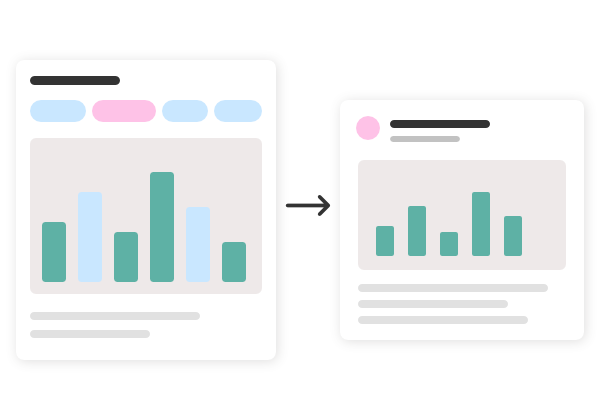
Business questions are answered slowly: someone opens the Hub, clicks through filters, takes screenshot of a chart and forwards it.
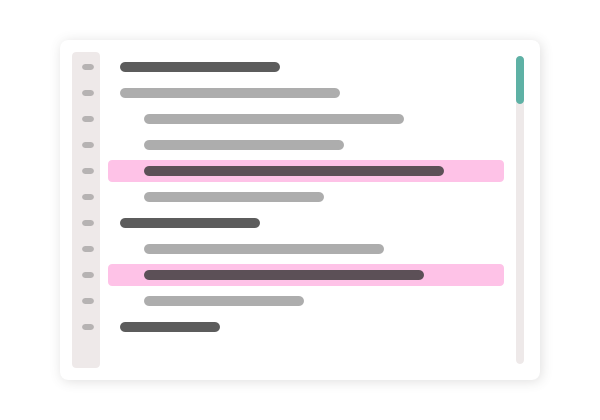
Meanwhile, developers spend hours drafting sheets and hunting through load scripts.
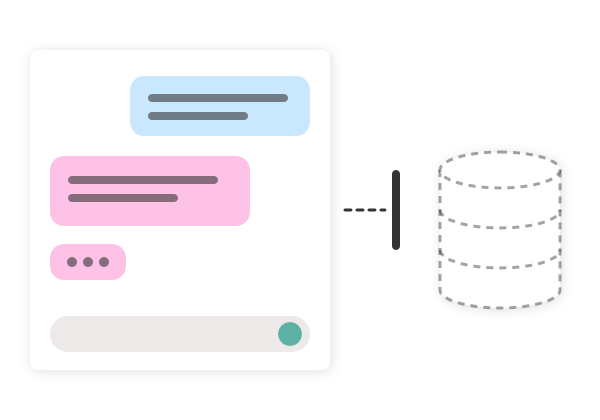
Meanwhile, AI assistants are everywhere, but they can’t access the data that matters most.
MCP for Qlik Sense closes that gap.
How it works:
Up and running in about an hour!
1
2
3
4
Deploy the bundle
Connect it to Qlik
Add your identity provider
Connect an AI client of choice
Two ready-built images plus a front door that terminates TLS. It runs on your own infrastructure.
One JWT virtual proxy tells Qlik to trust the bundle to sign your people in. That’s the only change inside Qlik.
Let people sign in with their normal company account, or use local accounts for a trial.
Each person adds the bundle once in their own client. Works with any AI client that supports custom connectors, such as Claude Desktop.
An example. Times depend on the size of the app and your tenant.
Who is it for?
Built for teams already running Qlik Sense on-premise
- Business users get answers without writing set analysis or waiting for a report.
- Developers get a faster way to draft sheets, master items, and scripts.
- Administrators keep everything inside the company network, with every action traceable to a real person.
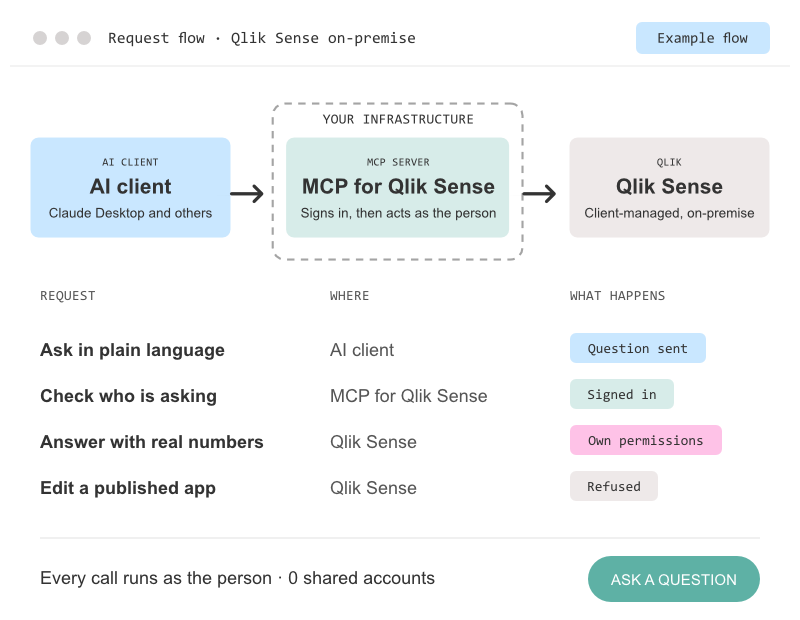
Simple value creation without compromises
Everyone signs in with their own account, and each request uses that person’s exact Qlik permissions. Compatible for users working in either/both:
Full traceability
There is no shared service account or back door.
Rollback option
Only makes changes to a person’s unpublished apps and uses versioned script edits.
Uses single virtual proxy
Colleagues who don’t use the assistant won’t notice a difference.
Trust center
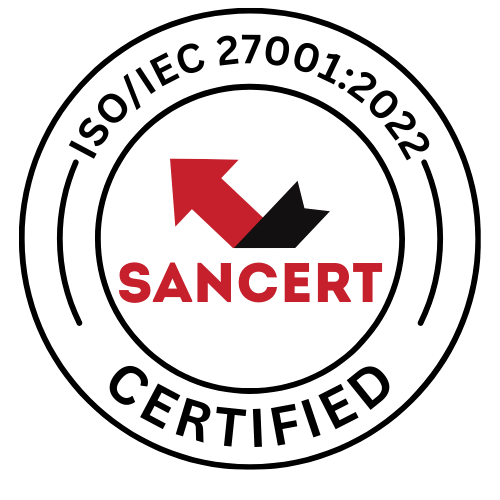
Stretch Qonnect is ISO/IEC 27001:2022 certified
Our information security management system is certified by Sancert for the Stretch Qonnect Product Team: how we design, develop, test and host our products, and how we sell, support and deploy them. Certificate 202610009, valid until 19 October 2027.
Certification applies to our management system, not to a specific product.
Work outside the Product Team is not covered by this certificate.
Do you need everything inside your (organizations) walls?
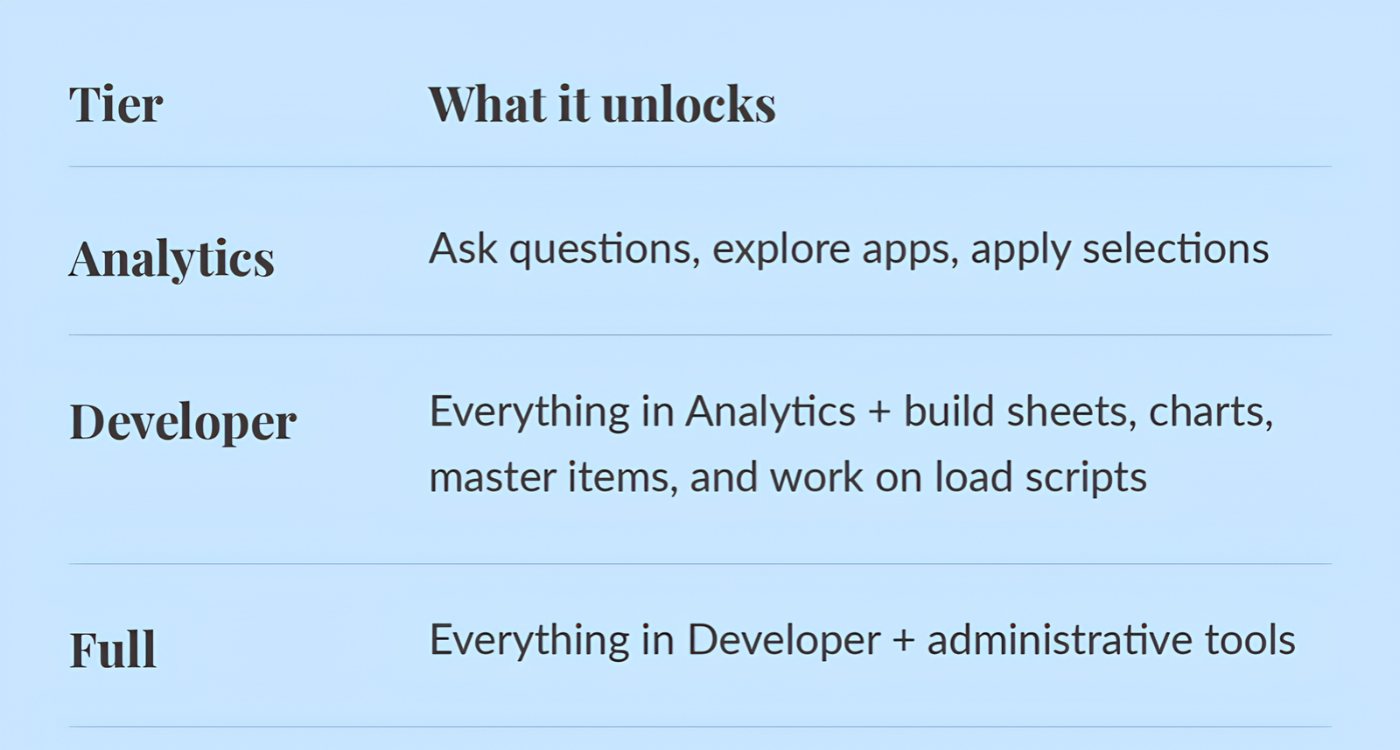
License tiers
Tiers are additive. Moving up is a licence change and does not require a new installation.
Tier 1
Analytics
Find apps and fields, compute answers, selections and bookmarks, what-if, explain a change, chart pictures, export
Tier 2
Developer
Find apps and fields, compute answers, selections and bookmarks, what-if, explain a change, chart pictures, export
Tier 3
Find apps and fields, compute answers, selections and bookmarks, what-if, explain a change, chart pictures, export
Every day, business questions are answered slowly: someone opens the Hub, clicks through filters, takes a screenshot of a chart, and pastes it into an email.
One assistant for your whole Qlik On-Premise / Qlik Cloud
Asking questions
“What was the revenue by region last quarter?” The assistant queries the app directly, providing actual figures without chart building, set analysis, or waiting for someone else’s dashboard.
Explore as it were in Qlik
Apply selections, filter to a category, check what’s in focus, clear a filter. All in conversation.
Build and tidy content
Create sheets, charts, filters, and reusable master dimensions and measures, and apply your styling.
Work on the load script
Read, search, and edit the data load script, then reload the app. With versioned edits, you can roll back.
Understand your apps
Ask what apps you have access to, what fields and tables are inside them, and how the data model fits together.
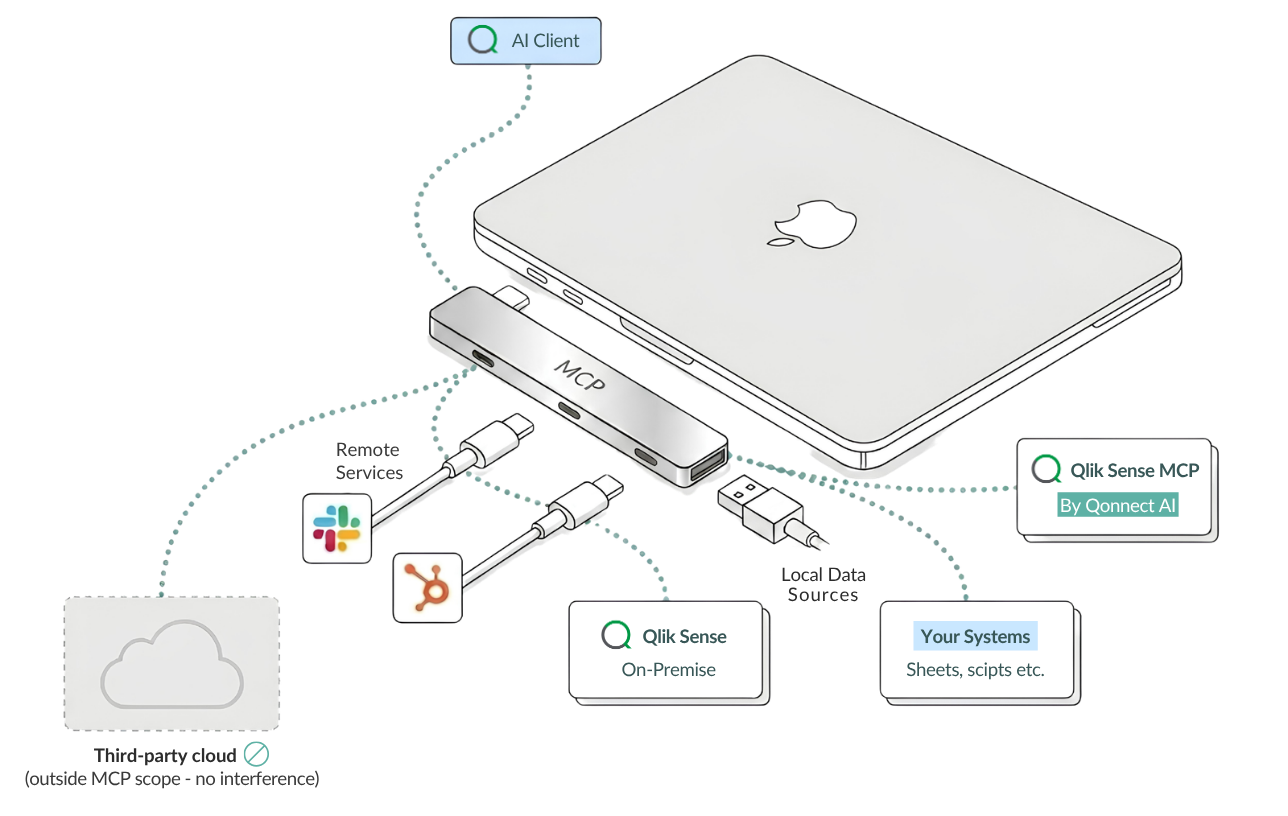
WANT TO DIVE DEEPER?
Documentation & Whitepapers
Want to convince your manager that an MCP for Qlik Sense On-Premise (client-managed) is your organization’s best next investment?
Download and share the study below with them.