Qloud Cover Writeback – for SaaS and On-Prem
Turn your Qlik dashboards into interactive workflows
Qloud Cover Writeback is a plug-and-play extension that transforms how you work with data in Qlik.
✓ 30-day free trial
✓ SaaS or on-premise
✓ Real-time data synchronization
Move beyond read-only dashboards and enable your team to write, edit, and collaborate on data – all within the Qlik interface. From planning and forecasting to comments and input forms, it turns insights into action in real time.
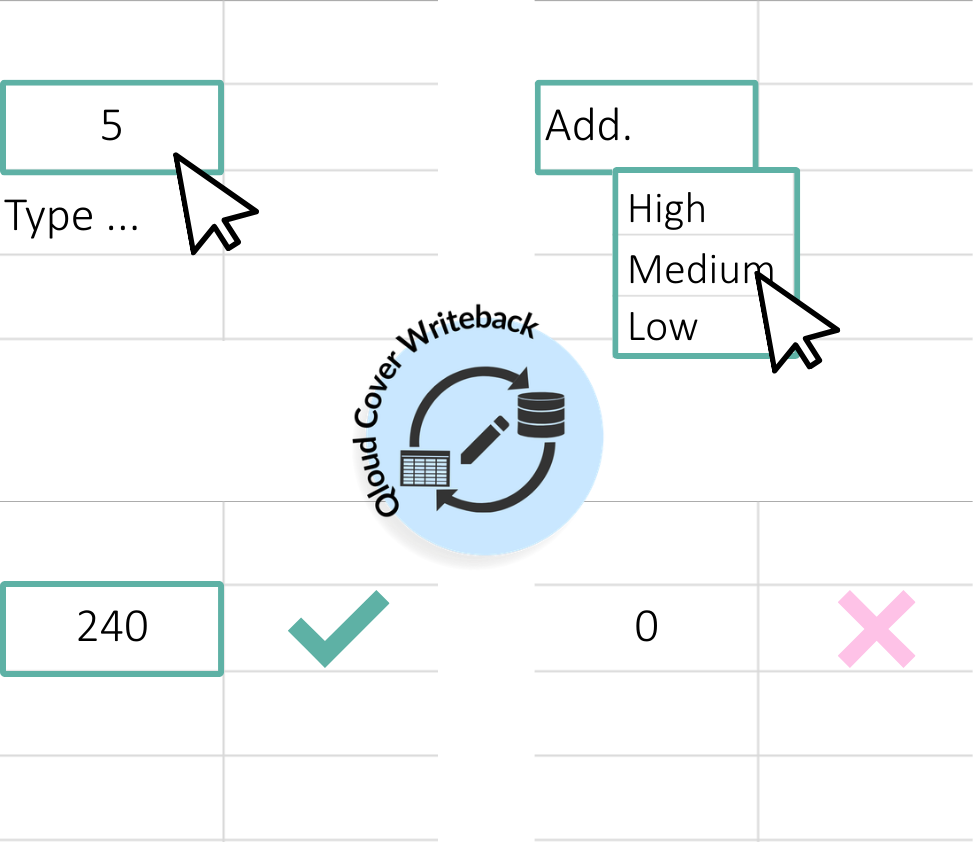
Let's demonstrate Qloud Cover Writeback for you
Watch our demo on how to work with our Writeback tool. Book a meeting with us for a personalized demo.
Why choose our Writeback solution?
Qloud Cover Writeback allows you to capture new data, edit records, and instantly sync updates across your data warehouse and apps. Built for both SaaS and on-premise deployments, Writeback ensures flexibility, security, and ease of use for enterprise data teams.
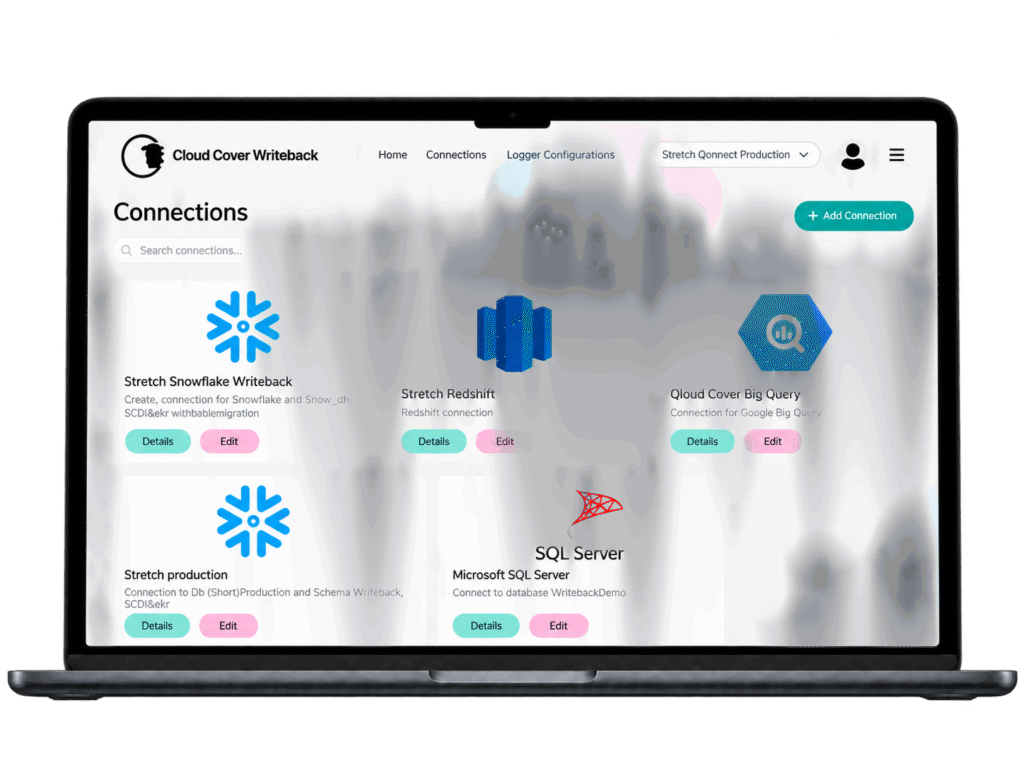
Connect with ease
Seamlessly connect Qlik to Snowflake, Redshift, BigQuery, and SQL Server. Enable real-time data updates directly from your Qlik apps.
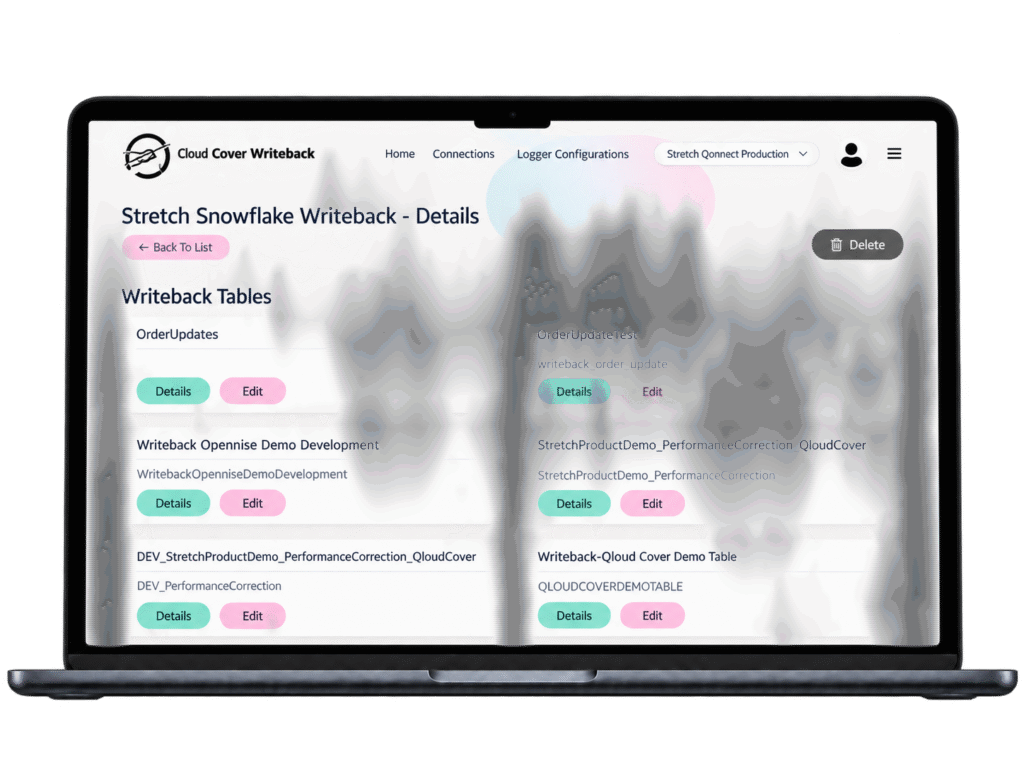
Built for collaboration
Easily configure and manage writeback tables across your connections, making it simple for teams to collaborate and update data.
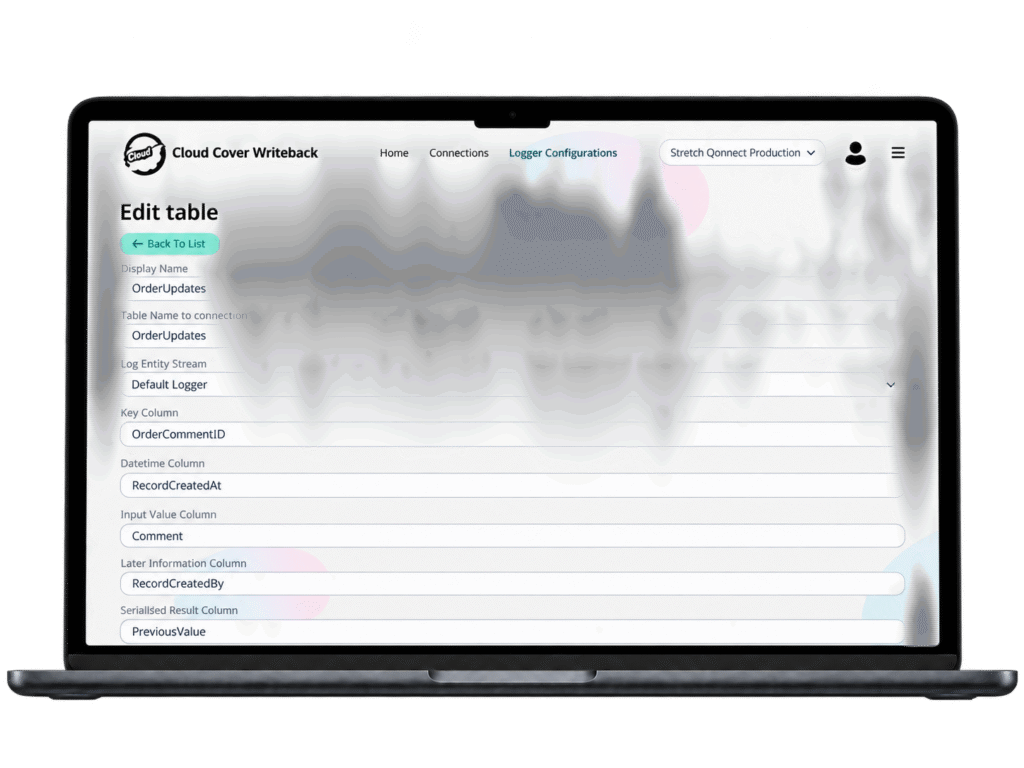
Stay in control
Customize writeback settings, define data fields, and configure logging to ensure secure, reliable, and traceable updates.
Key features
Direct input and editing in Qlik
Enable users to interact with dashboards like never before.
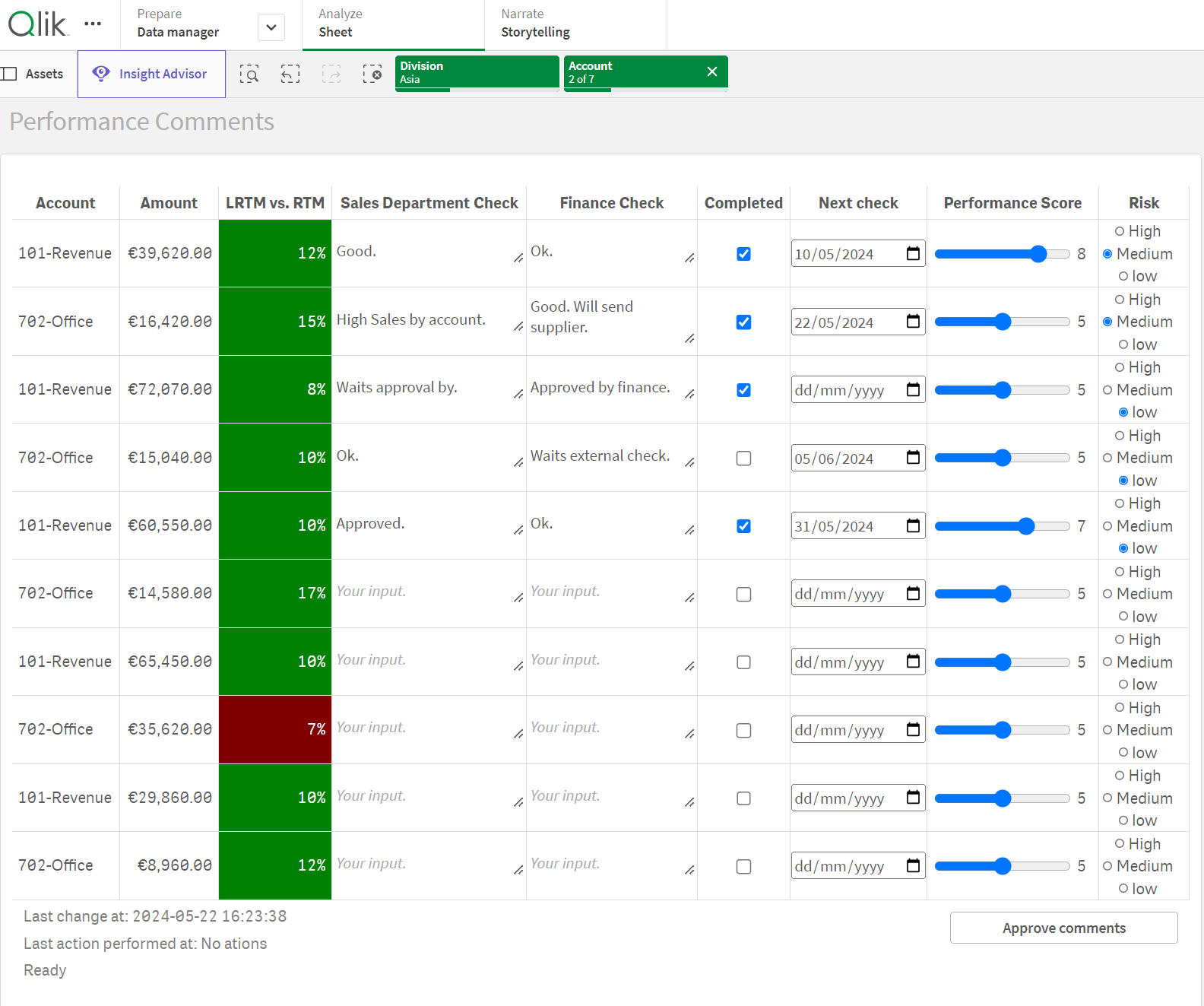
Users can comment, update, and edit existing records directly from Qlik Sheets, enhancing decision-making processes with collaborative inputs.
Data changes are synced instantly to connected databases.
Flexible input types
Qloud Cover Writeback supports a wide variety of input formats, including text, number, checkbox, dropdown, radio buttons, and more.
This flexibility ensures support for diverse use cases from planning to data correction.
Real-time synchronization
Writeback actions are processed instantly.
When data is edited in Qlik, changes are immediately reflected in the connected databases, keeping all users and systems up to date in real-time.
Secure & scalable architecture
Deploy Writeback via SaaS (hosted on Azure) or Client Managed options.
Both models feature encrypted operational databases, no user data stored internally, and bring-your-own-log storage for audit trails.
Local deployments also support air-gapped environments.
Comprehensive logging and auditing
Capture user ID, timestamps, and change records for all writeback actions.
Global roles manage access in SaaS, ensuring secure collaboration.
Flexible pricing plans for different needs
Qloud Cover Writeback operates with a pricing list based on your needs.
From $400/month
Save 20% with annual billing.
The amount of apps and data you want to writeback determines the predefined price. If you have questions or if your setup varies from the prices below, please Contact us.
WANT TO DIVE DEEPER?
Installation guide & documentation
Please refer to the links below for all relevant documentation on using and getting started with Qloud Cover Writeback.
This information is especially beneficial if you have already gained access to the tool or are curious about the process and architecture behind it. It may also help you determine whether you need our support in these areas. If you have any questions or need further assistance, please don’t hesitate to contact us.
CONTACT
Do you want to know more about Qloud Cover Writeback?
Would you like to try the extension in your setup or in the organization, before committing? Don’t hesitate to get in touch or get started now by clicking here.